Start with where you want the pet to live
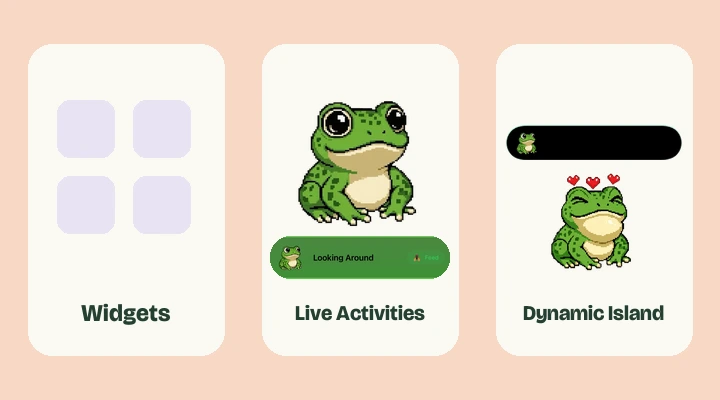
“Pixel pet” describes the character and style, rather than a specific iPhone feature. Different apps put pets in different places. One may offer a Home Screen widget, another may provide a game inside the app, and another may use a Live Activity.
Before downloading, look for the surface that matters to you. A preview of a frog in a full-screen app does not automatically mean it can live in your Dynamic Island. A Lock Screen widget also does not automatically become an Island pet.
Widgets are placed in your layout
Home Screen widgets occupy space among your app icons. Lock Screen widgets fit in designated areas around the clock. You choose their placement through iOS customization controls. Their design and update behavior depend on the app and the system.
They are useful when you want a character to be part of a layout you arrange. Feed The Frog’s current screen companion is a Live Activity, so you start it inside the app rather than searching for it in the widget gallery.
Live Activities follow a session
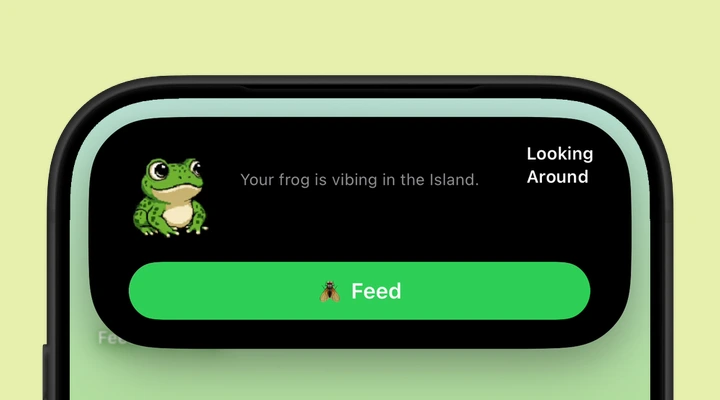
A Live Activity presents an ongoing state outside its app. Familiar examples include a running timer or a delivery in progress. For Feed The Frog, the session displays the selected frog and makes feeding available when the cooldown finishes.
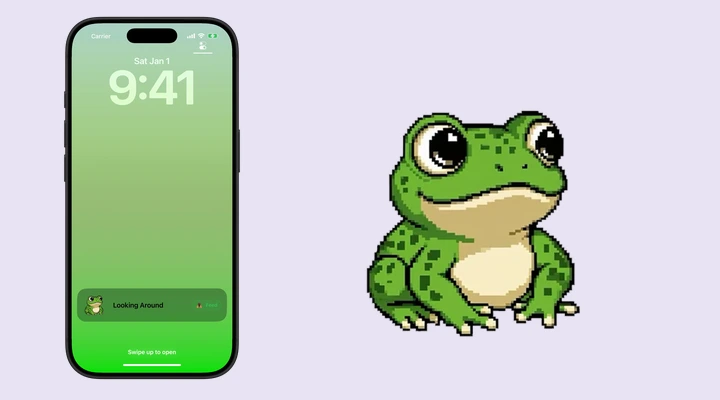
On the Lock Screen, the activity has room for more detail. On a supported iPhone, the same session also gets Dynamic Island presentations. You can touch and hold the Island to expand the activity and reach its controls.
The differences that matter for a pet
| Surface | How it starts | What to expect |
|---|---|---|
| Home Screen widget | Add through iOS customization | Lives in your arranged layout |
| Lock Screen widget | Add in the Lock Screen editor | Uses a small widget area |
| Live Activity | Start a session in its app | Lock Screen and supported Dynamic Island |
| In-app pet | Open the app | A full-screen place to interact |
Live Activities have time limits, can be dismissed, and share screen space with other activities. They are not a promise that a pet will remain visible permanently.
Which one fits a little frog?
If you want a frog you can check while using your iPhone, the Dynamic Island experience is a natural fit. If your phone lacks that hardware, the Lock Screen activity still gives you a place to see and feed it. The in-app collection is where you review progress and choose animations.
Start with our Dynamic Island setup or Lock Screen setup. If you are comparing different pet apps, check their current listings for the exact widget and Live Activity support you want. Those details matter more than a shared “pixel pet” label.
More about iPhone features
Say hello to your frog.
Try the preview, then bring a little company to your iPhone.
Download on theApp Store