A pixel pet you can see while using your iPhone
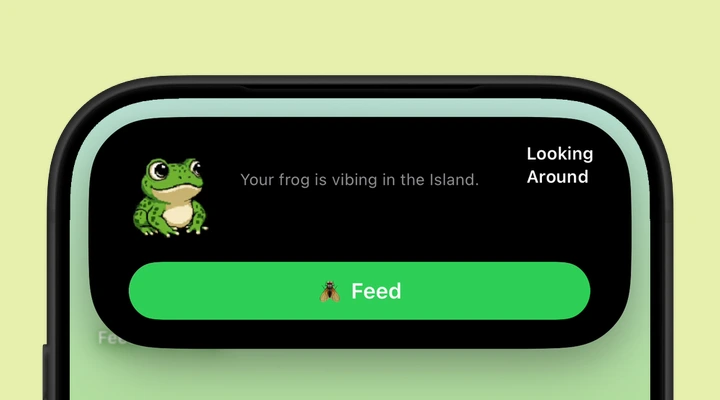
The frog lives in a Live Activity, so you can check on it outside the full app. On an iPhone with a Dynamic Island, it shares that small area of the screen. Touch and hold the activity to expand it and reach the feeding control. On the Lock Screen, the frog has a larger view.
It is a companion for those ordinary moments when you pick up your phone or return to the Home Screen. You can choose the animation you want to see, check in for a feed, and turn the Live Activity off whenever you like.
Five animations to get to know
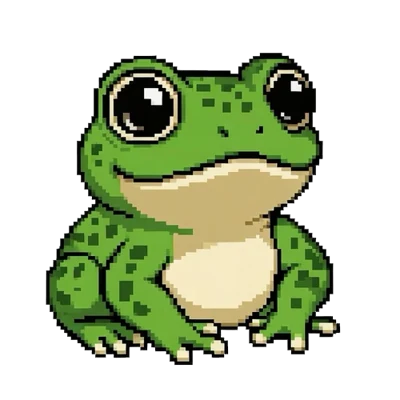
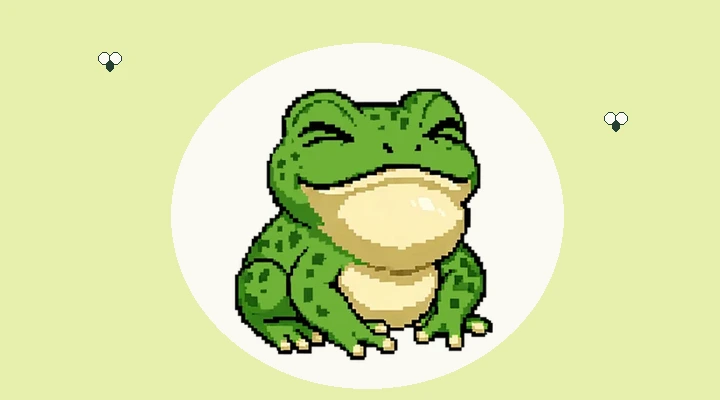
Blinking is the everyday frog: settled in and happy to be there. Looking Around adds a curious glance. Sleeping comes with closed eyes and little sleep marks. Catching Fly is the snack animation, complete with a quick tongue. Wizard Staff brings a hat, a staff, and a change of mood.
Those five animation sets make up the collection. Browse them inside the app or try the animation preview on this website. Try them before you download to find the frog you would like to keep on your screen.
Feed your frog and grow the collection
When the frog is ready, tap Feed and watch it catch a fly. Each successful feed adds one to your total. There is a cooldown between feeds, and the countdown tells you when another snack is available. Feeding from an available Live Activity control contributes to the same progress.
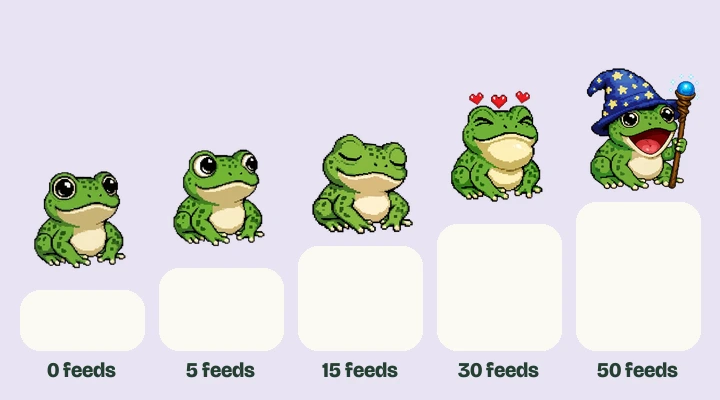
Blinking is available from the start. Looking Around unlocks at five total feeds, followed by Sleeping at 15, Catching Fly at 30, and Wizard Staff at 50. The last three also need the optional premium purchase for Live Activity selection. The unlock guide explains the milestones and purchase together.
A home for your frog on different iPhones
Feed The Frog requires iOS 17.6 or later. An iPhone with a Dynamic Island can show the frog there as well as on the Lock Screen. iPhone Duo is supported too, with its vertical Island along the side of the outer and inner displays.
If your supported iPhone has a notch or Home button instead, you can still use the Lock Screen activity and the in-app experience. You do not need an Always-On Display or a new wallpaper. The compatibility guide helps you find the experience available on your phone.
Free to meet, with an optional frog pack
The app is free to download. Blinking is included, and Looking Around becomes available through feeding. All Frog Packs is an optional one-time purchase for the premium Live Activity animations. Their feeding milestones still apply, and there is no recurring subscription for that pack.
Your app progress stays on your device. Feed The Frog does not collect personal information, serve ads, or use analytics, and Apple handles purchases. Try the frog in the website playground, then bring it to your iPhone when you are ready. The browser preview is separate from your app progress.
More about iPhone features
Say hello to your frog.
Try the preview, then bring a little company to your iPhone.
Download on theApp Store